
If you are a Sitecore developer, and your company is a partner, you are entitled to a development license. Unfortunately, if you are a developer, and your company is not a partner, this post is not for you.
Many times as developers, we encounter that yellow license missing screen, often in a Proof of Concept (POC) scenario like mine. It is not advisable to use the client’s license to overcome this issue. I will explain step by step how you can retrieve your Sitecore partner license.
First Step Go to Sitecore Partners -> Sitecore Partner Network
Case you are register jump this step.
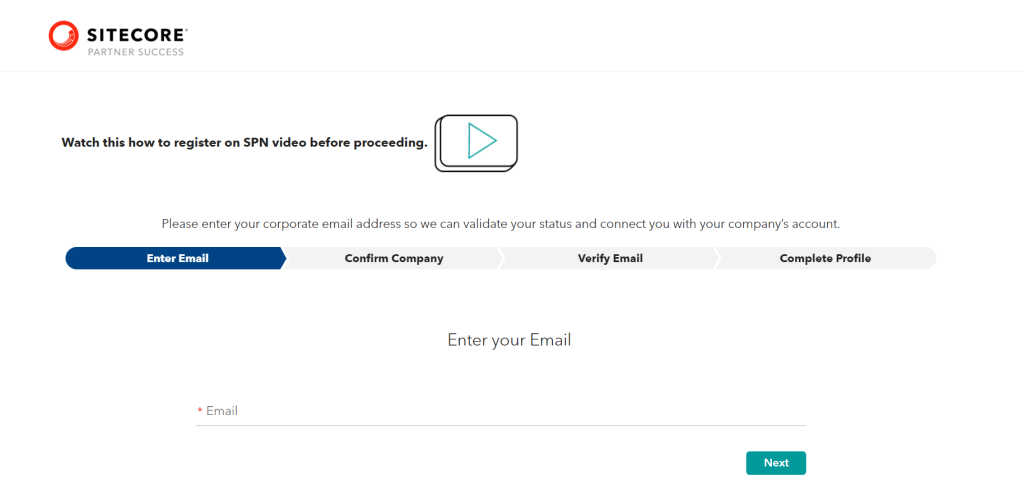
- Select Register for SPN Registration at the botton if you haven’t registered yet. Keep in mind that you must register using your official email address to be acknowledged as a partner.
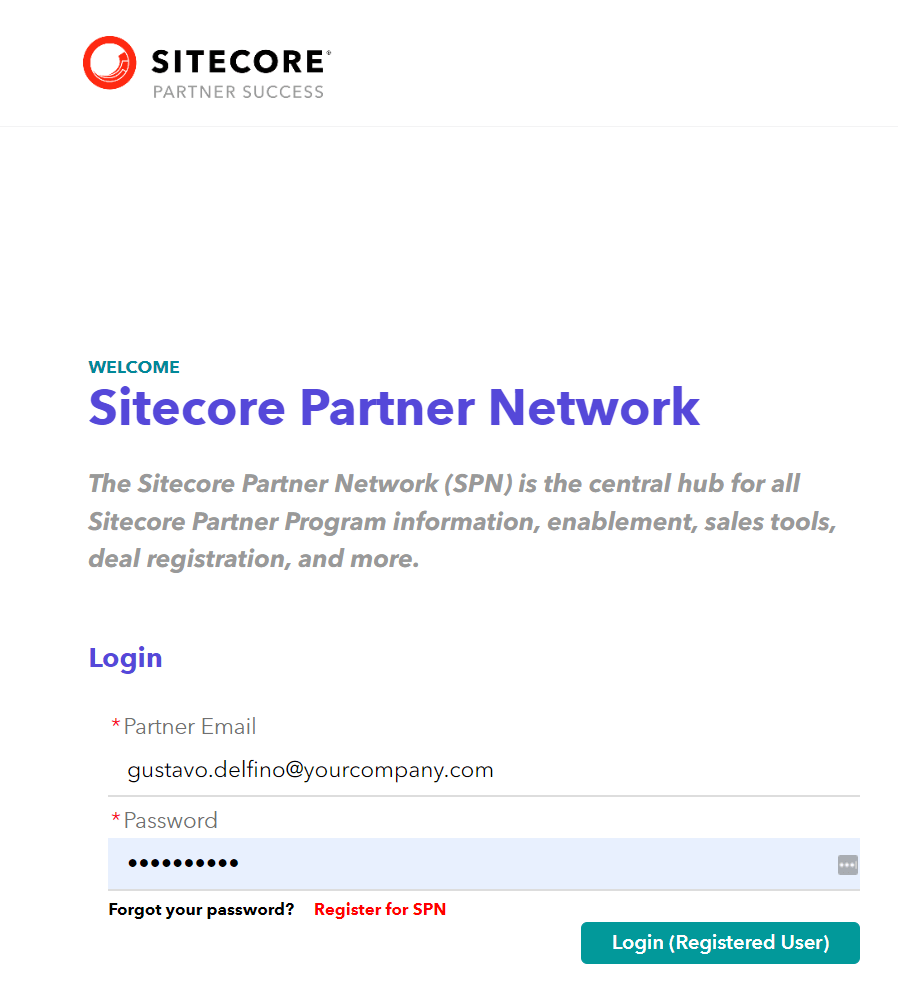
- Input your Partner Email and Password.
- Navigate to My Partner Account, and then select XP/XM License.

- On the Partner License Page, scroll down to the bottom section. This action will display a list of the Partner Licenses associated with your account.
Select the License Id of the entry with License Type Partner and Status Active.
Pay attention in cannot be used 😉
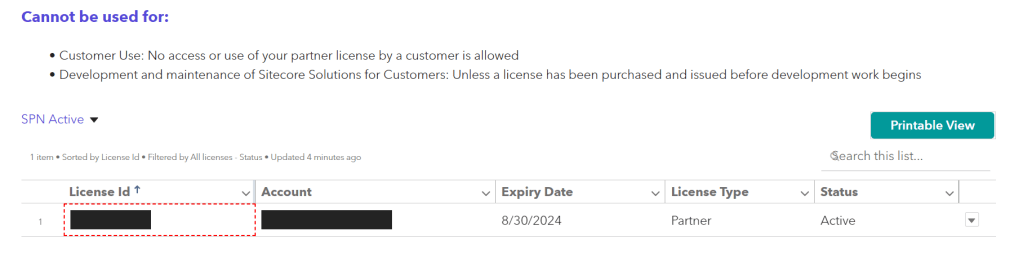
This action will open the Details page for the license.
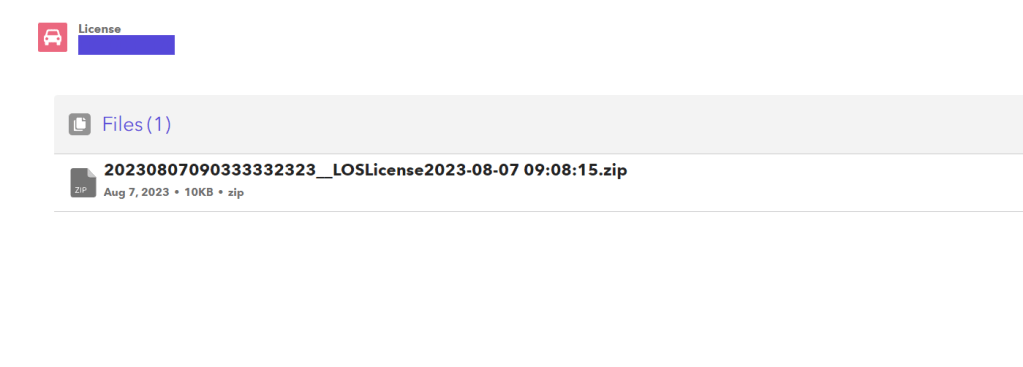
Now click on file zif and start the download. Extract the contents of the zip file, and within, you will discover your license.xml file.

In the next post, I’ll use this license, but if you’re experiencing the error Required license is missing: Sitecore.Runtime.


 𝘛𝘦𝘤𝘩 𝘚𝘰𝘭𝘶𝘵𝘪𝘰𝘯 𝘏𝘶𝘣
Deixe um comentário