
I’ve always used ‘admin‘ – ‘b‘ as the password, but today, I don’t know what happened, as I couldn’t access with these credentials. It’s very strange. I decided to reset it via SQL Server, since that was the only place I could access.
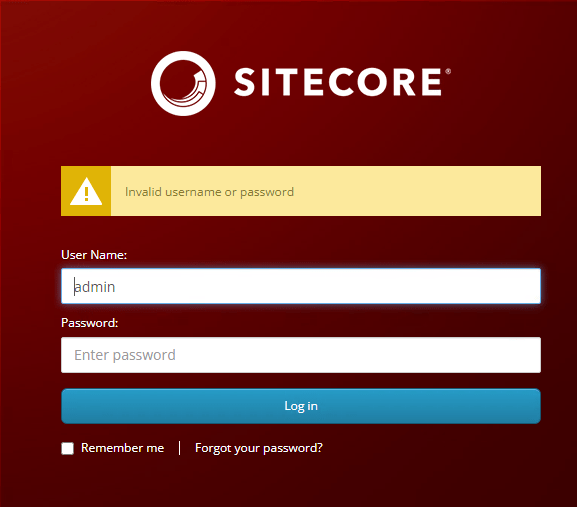
In this post, we are going to reset the password to b.
Access the SQL server instance by logging in through SQL Server Management Studio (SSMS). Next, opt for the Sitecore instance’s core database before executing the query.
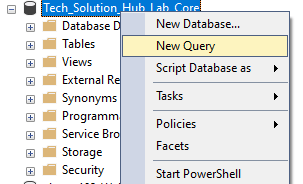
Just to be clear, you should execute the script below in the Core database.
UPDATE
    [aspnet_Membership]
SET
    [Password]='qOvF8m8F2IcWMvfOBjJYHmfLABc=',
    [PasswordSalt]='OM5gu45RQuJ76itRvkSPFw==',
    [IsApproved] = '1',
    [IsLockedOut] = '0'
WHERE
    UserId IN (
        SELECT UserId FROM dbo.aspnet_Users WHERE UserName = 'sitecore\Admin'
    )
Running the query mentioned above will also unlock your account in case it was locked due to a series of incorrect password attempts. You can now access Sitecore with the following login credentials: User Name – admin and Password – b.

 𝘛𝘦𝘤𝘩 𝘚𝘰𝘭𝘶𝘵𝘪𝘰𝘯 𝘏𝘶𝘣
Deixe um comentário