
- Log in to the Sitecore Desktop as an administrator or a user with appropriate permissions.
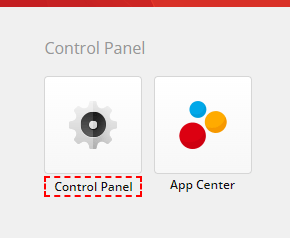
- In the Sitecore Desktop, locate and click on the “Control Panel”.
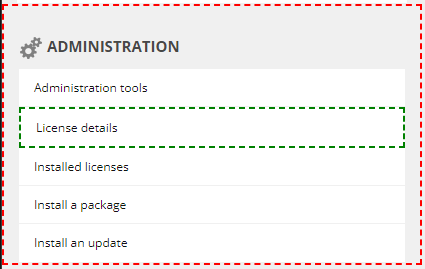
- In the Control Panel, in “Administration” section.
- Click on “License details”
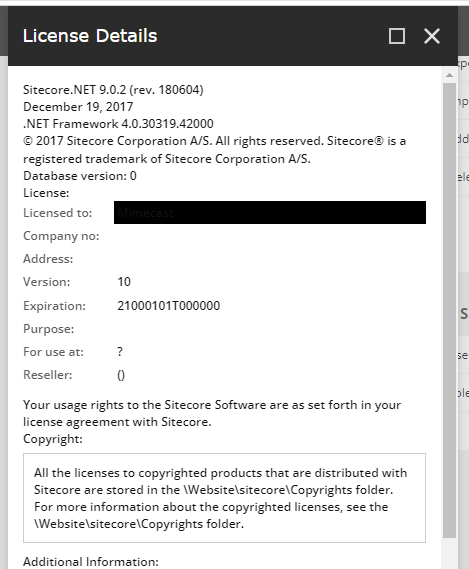
- This page should display your Sitecore version, license details, and other relevant information.

 𝘛𝘦𝘤𝘩 𝘚𝘰𝘭𝘶𝘵𝘪𝘰𝘯 𝘏𝘶𝘣
Deixe um comentário